
Workshop Robotics

Design to Simulation:
Mobile Robot Development
using Fusion 360 & ROS 2

Design, assemble, simulate and drive one robot — on campus, with the exact tools industry uses.

₹20,000· All-inclusive

  • 26 – 30 October 2026
  • 15 sessions
  • On-campus
  • Beginner friendly
In partnership with
TIH at IIT Palakkad TIH at IIT Palakkad
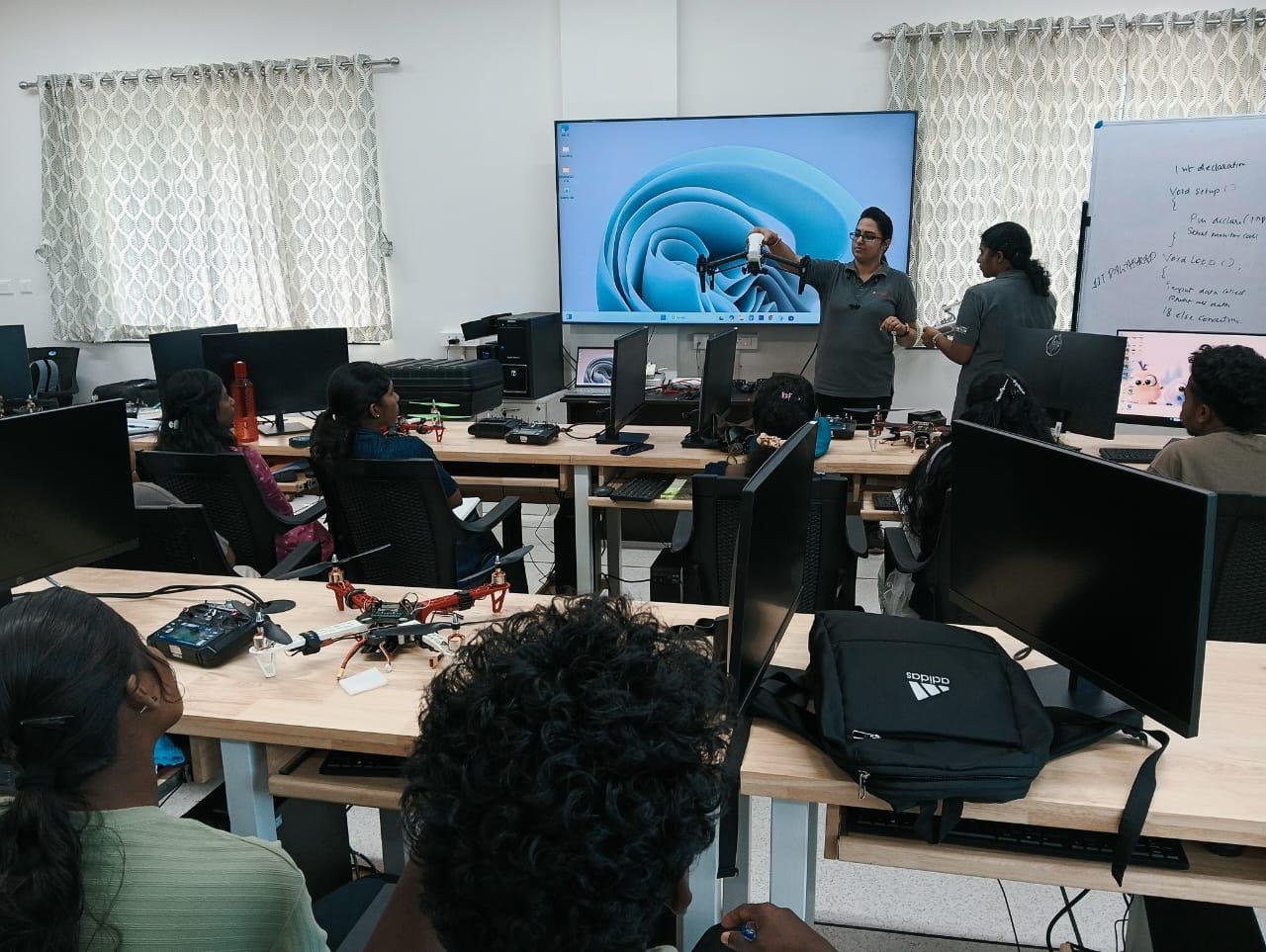
Instructor-led robotics session at TIH, IIT Palakkad
Live build session · TIH, IIT Palakkad
5Days on campusFull immersion, not evening Zoom calls.
15Hands-on sessionsEvery one builds on the last file.
1Robot, end-to-endDesigned, simulated and driven by you.
How enrolment works

Four steps.
₹100 to begin.

A small fee opens your application, admissions confirm your seat, and only then do you pay for the week.

01

Pay application fee and start

Pay a minimal ₹100 application fee to start your application as a serious learner.

02

Fill the application

A few questions about you, what you’ve used before and the week on campus.

03

Your seat is confirmed

Admissions read your answers and email you — usually within two working days. If required, the admissions team will call you to confirm your details.

04

Pay and enrol

Pay for the week from your application. Joining instructions and the setup guide reach your inbox.

Only the ₹100 application fee is paid before your seat is confirmed.

The workshop

One robot, built the way
industry actually builds them.

Most courses teach CAD or ROS. Almost none teach the handoff between them — which is exactly where real robotics projects stall. Here, one robot travels the whole pipeline with you, and every session builds on the file you made in the last one.

Step 1

Design

Sketch and model every part in Fusion 360 — constraints, parametric parts.

Step 2

Assemble

Joints and motion relationships turn loose parts into a machine.

Step 3

Convert

Export meshes and describe your robot in URDF — the bridge to ROS.

Step 4

Simulate

Launch in Gazebo, visualize in RViz, with real physics.

Step 5

Drive

Teleop your robot with ros2_control. Demo it on the final day.

Day-by-day curriculum

Five days will change
how you build.

Fifteen hands-on sessions. One robot — sketch to simulation.

Day 1 · Mon 26 Oct

Introduction to Fusion 360

Get fluent in the CAD environment and model your first robot components from scratch.

  • Session 1
    • Introduction to CAD and the Fusion 360 interface
    • Sketching, constraints and parametric design
  • Session 2
    • Part modeling: extrude, revolve, fillet, chamfer
    • Hole and pattern features
  • Session 3
    • Creating individual components for a differential drive mobile robot
Day 2 · Tue 27 Oct

Mobile Robot Design

Turn loose parts into a working assembly with real joints and motion.

  • Session 1
    • Components, joints and motion relationships
  • Session 2
    • Designing and assembling the differential drive robot
  • Session 3
    • Open Q&A on Fusion 360 and your own assembly
Day 3 · Wed 28 Oct

CAD to ROS 2 Workflow

The bridge most people never cross — take your CAD model into a simulation-ready format.

  • Session 1
    • Preparing the robot for simulation: mass properties
    • Coordinate frames and mesh export (STL)
  • Session 2
    • Organizing robot assets and preparing for URDF conversion
  • Session 3
    • Ubuntu 22.04 overview and ROS 2 Humble installation
    • Workspace creation, Gazebo install, required ROS packages
Day 4 · Thu 29 Oct

Robot Description & Simulation

Describe your robot in ROS 2 and watch it come alive in a physics simulator.

  • Session 1
    • ROS 2 fundamentals: nodes, topics, services
    • Packages and launch files
  • Session 2
    • Creating the robot URDF/Xacro model from your Fusion 360 design
  • Session 3
    • Launching the robot in Gazebo, visualizing in RViz
    • TF tree and robot state publisher
Day 5 · Fri 30 Oct

Robot Control & Demonstration

Drive it. Sense with it. Then demo the robot you built from a blank sketch.

  • Session 1
    • Differential drive kinematics
    • ros2_control and controller configuration
  • Session 2
    • Teleoperation and Python scripting
    • Simulating LiDAR and IMU sensors
  • Session 3
    • Final project demonstration and testing
    • Troubleshooting, Q&A and wrap-up
The campus

Five days inside a
working robotics facility.

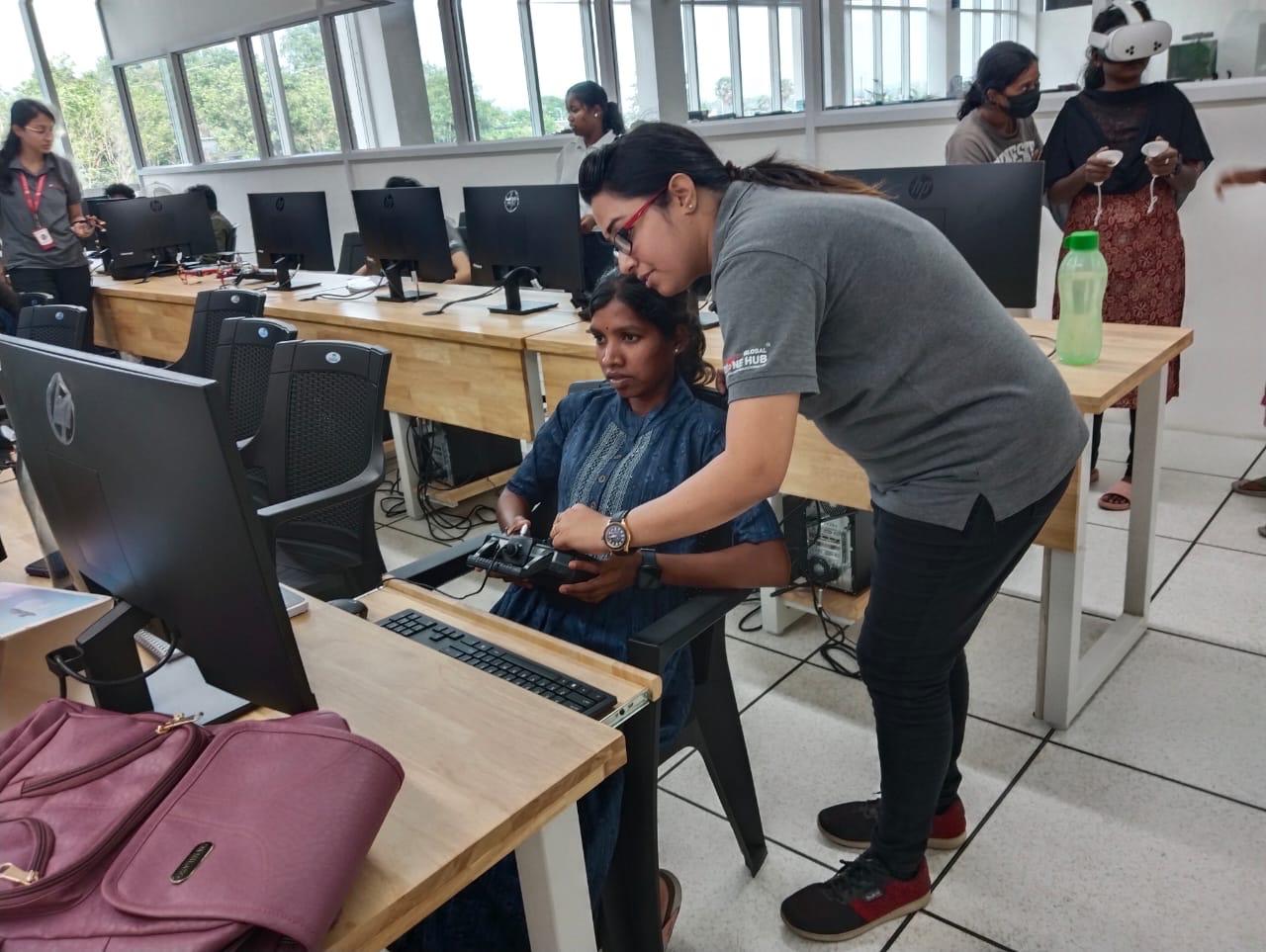
You'll build at IIT Palakkad Technology Innovation Hub Foundation — with its FabLab, motion-capture and testing facilities around you, not a rented classroom.
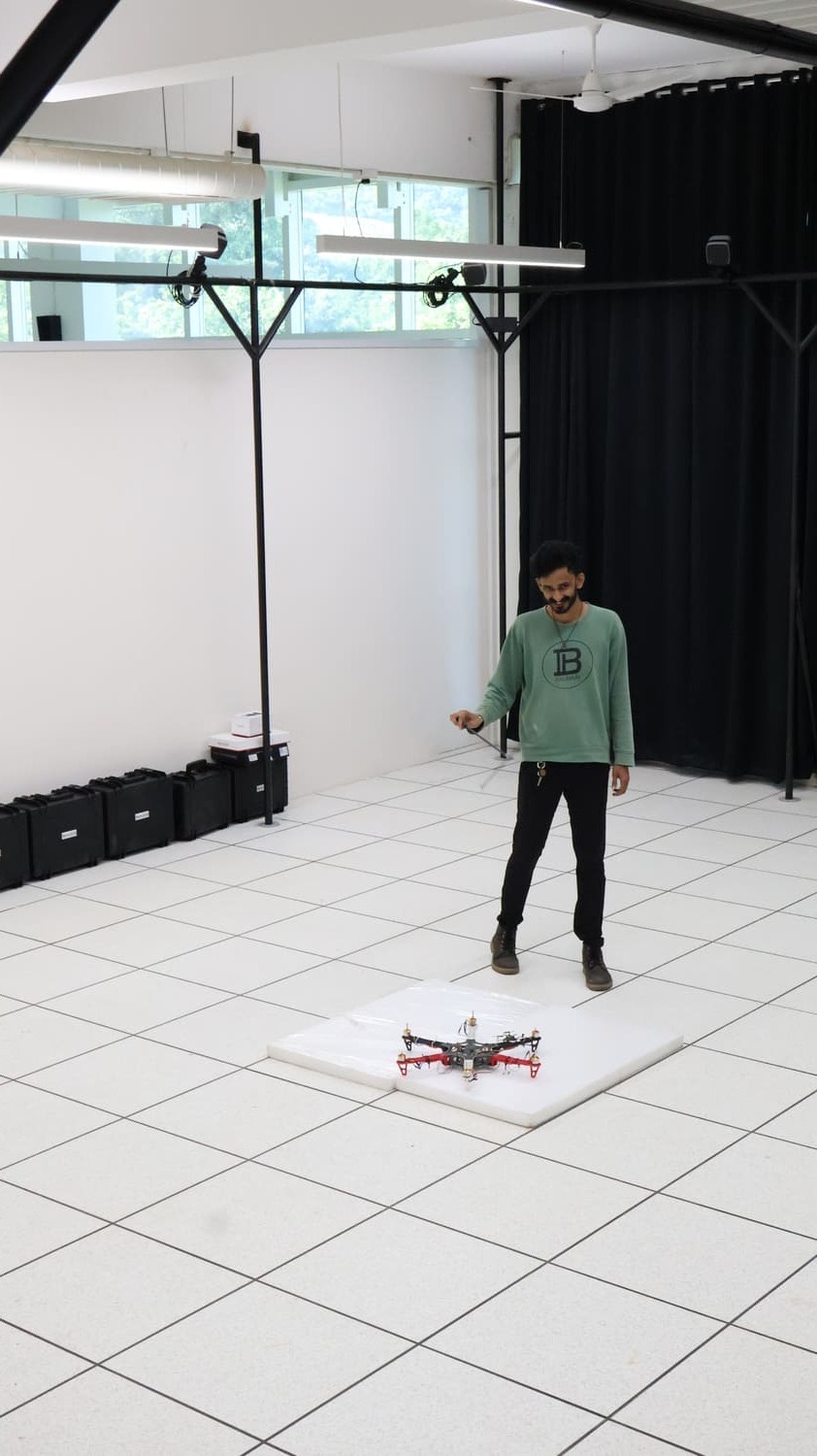
Motion Capture Lab
Motion Capture Lab
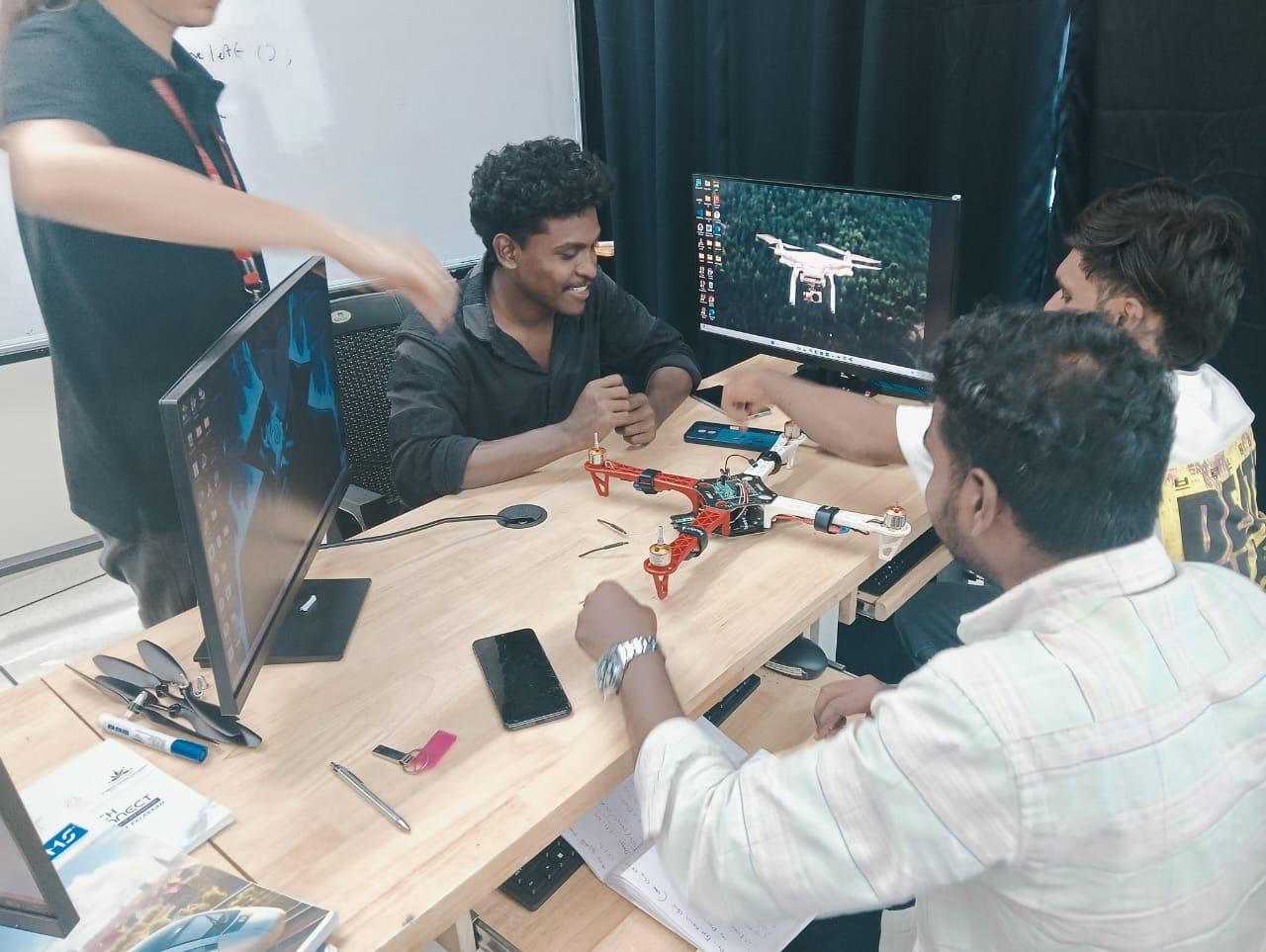
Build session in progress
Build sessions
One-to-one mentorship
1:1 mentorship
FabLab
FabLab
Field testing
Field testing
Programme leadership

Backed by IIT Palakkad
Technology Innovation Hub.

A Government of India Technology Innovation Hub with a full FabLab and deep-tech research base.
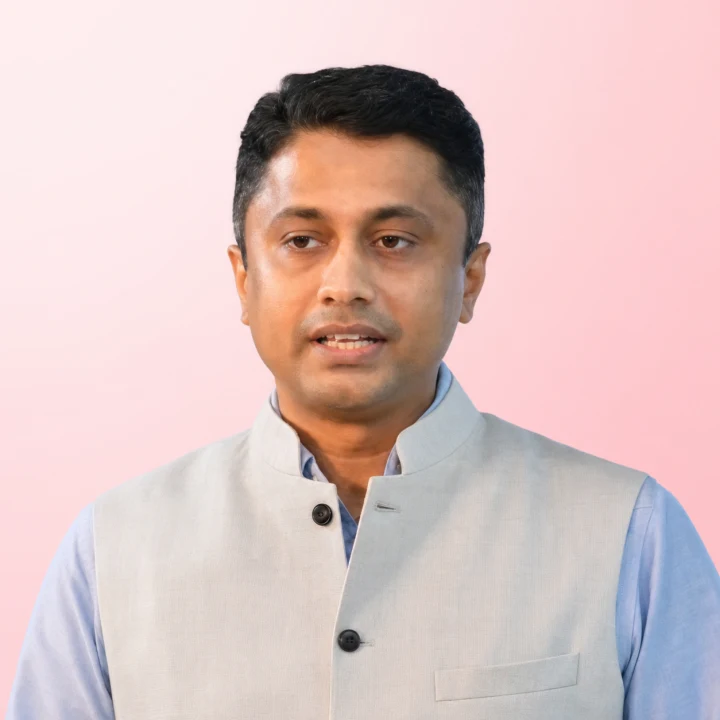
Dr. Saishyam Narayanan

Dr. Saishyam Narayanan

Chief Executive Officer

Dr. Rijesh Krishna

Dr. Rijesh Krishna

Chief Operating Officer

Dr. Binu K Baby

Dr. Binu K Baby

Manager, Technology Facilities

Dr. Rajeswari R

Dr. Rajeswari R

Manager, HR & Administration

Who it's for

Built for people
who want to build.

No prior robotics background is required. The five days are paced for people arriving from adjacent disciplines.

Engineering students

Mechanical, ECE, CSE or mechatronics students who want a robotics project they can actually show.

Researchers

Anyone who needs to prototype and simulate a robot before committing to hardware.

Working professionals

Engineers moving into robotics, automation or simulation-heavy roles.

Educators

Faculty who want a repeatable CAD-to-simulation teaching pipeline.

Learning outcomes

What you'll walk away
with — on paper and in hand.

Nine concrete capabilities, each practised on the robot you build across the week — and a certificate issued with the Hub to show for it.

  • Design components and assemblies in Fusion 360
  • Apply parametric CAD techniques for robotics
  • Create a complete differential drive mobile robot
  • Export CAD models for robotics applications
  • Understand the structure of URDF and robot description files
  • Create ROS 2 workspaces and packages
  • Visualise and simulate robots in Gazebo and RViz
  • Control a mobile robot using ROS 2
  • Understand the complete CAD-to-simulation workflow used in robotics
Your credential

The Certificate You
Walk Away With.

A Certificate of Completion issued in collaboration with the IIT Palakkad Technology IHub Foundation for the five-day Design to Simulation workshop.

  • Shareable on LinkedIn and ready for your portfolio
Sample Certificate of Completion — 5-Day Workshop on Design to Simulation: Mobile Robot Development using Fusion 360 & ROS 2, issued with IIT Palakkad Technology iHub Foundation
Tools you'll use

Industry-standard
stack.

The same toolchain robotics teams run in production — nothing bespoke, nothing you cannot keep using afterwards.

Autodesk Fusion 360CAD
ROS 2 Humble HawksbillMiddleware
Gazebo Classic 11Simulation
Ubuntu 22.04 · Windows 11OS
Visual Studio CodeIDE

Bring a laptop. Installation instructions are shared before the workshop.

Prerequisites

Start from
wherever you are.

No prior robotics background is required — these simply help you get more out of the hands-on sessions.

Beginner friendly

Nothing on this list
is a gate.

This includes dedicated setup support, and every session starts from the file the last one produced — so nobody is left behind mid-build.

  • Basic computer proficiency (Windows or Linux)
  • Linux command line helps, but isn't required
  • Basic Python or C++ is recommended
  • CAD or engineering drawing exposure is a plus
  • Interest in robotics, automation or mechatronics
  • No prior ROS 2, Gazebo or Fusion 360 experience
Programme fee

All-inclusive.
Only ₹100 to apply.

The programme fee is paid only after your seat is confirmed.

Apply for just₹100

Application fee, non-refundable, paid when you apply.The programme fee is due only once your seat is confirmed.

Programme fee ₹20,000 per participant · all-inclusive
  • 5 dayson campus at IIT Palakkad
  • 15 sessionsone robot, designed to driven
  • Stay & mealsincluded for the full week

What's covered

  • All 15 sessions across five days on campus
  • All meals on campus
  • Accommodation for 5 days
  • Certificate of Participation with TIH, IIT Palakkad
Apply for a seat
Take a Quick Break

Can you outfly
burnout?

Too much to read through? Take a break. Here’s a fun game section for you. Catch the skills that keep you moving, dodge the setbacks that stall you, and see how far you get.

26 – 30 October 2026
15 sessions
Limited seats
Reserve your seat

Apply for the
October cohort.

Answer a few questions about you and the week. Admissions confirm your seat, and only then do you pay. Nothing is charged now.